full-stack-coding-agent
Codrr: CrewAI-powered Full Stack Project Generator
Codrr is a CrewAI-powered agent that turns natural-language requirements into complete projects. Describe what you want to build, and a Senior Full Stack Developer agent generates the files and saves them to output/.
Sample Run
This walkthrough uses the prompt:
Build a simple HTML Page for Sarvan Kumar He is a fullstack dev
Run the agent with python run.py, paste the prompt above, and you should see output similar to the screenshots below.
1. Enter Your Requirement
The crew picks up your prompt and starts the task with the full generation instructions.
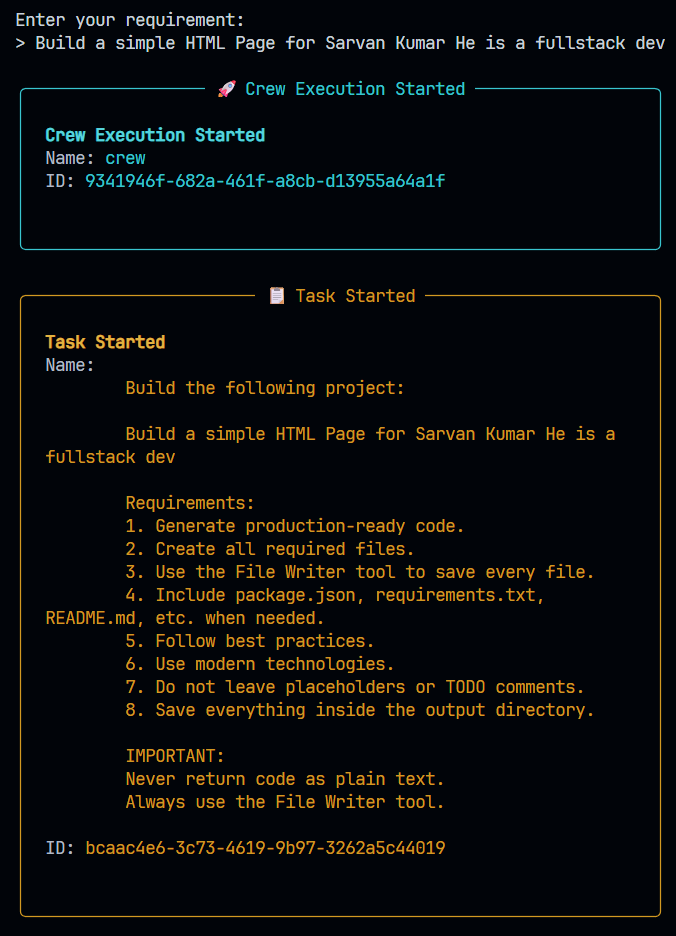
Figure 1: User enters a project requirement and the crew begins execution.
2. Agent Starts Working
The Senior Full Stack Developer agent receives the task and begins calling the File Writer tool. First file: index.html.
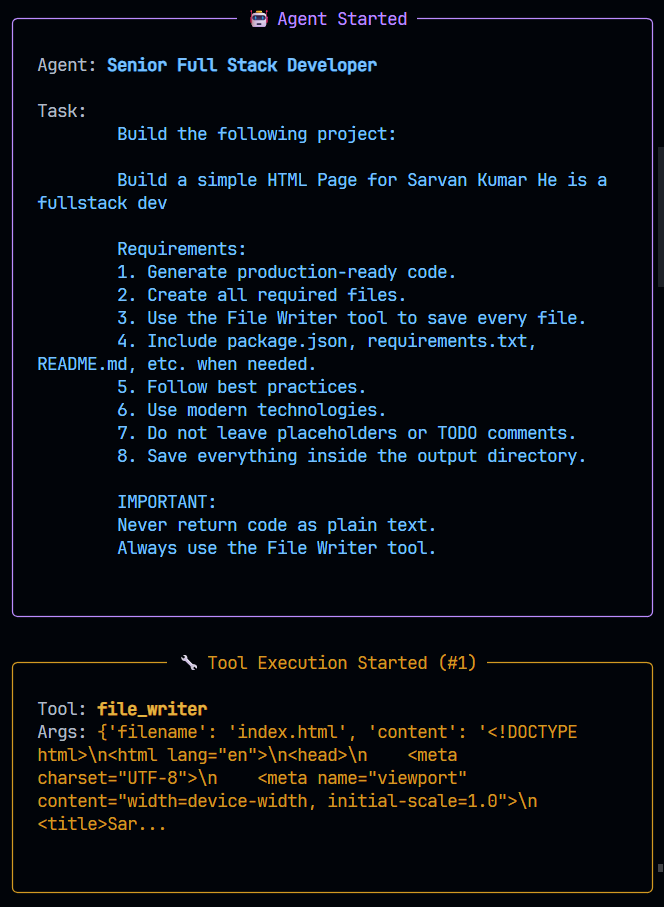
Figure 2: The agent begins generating project files.
3. More Files Are Written
The agent continues generating project files including styles.css, package.json, requirements.txt, and README.md.
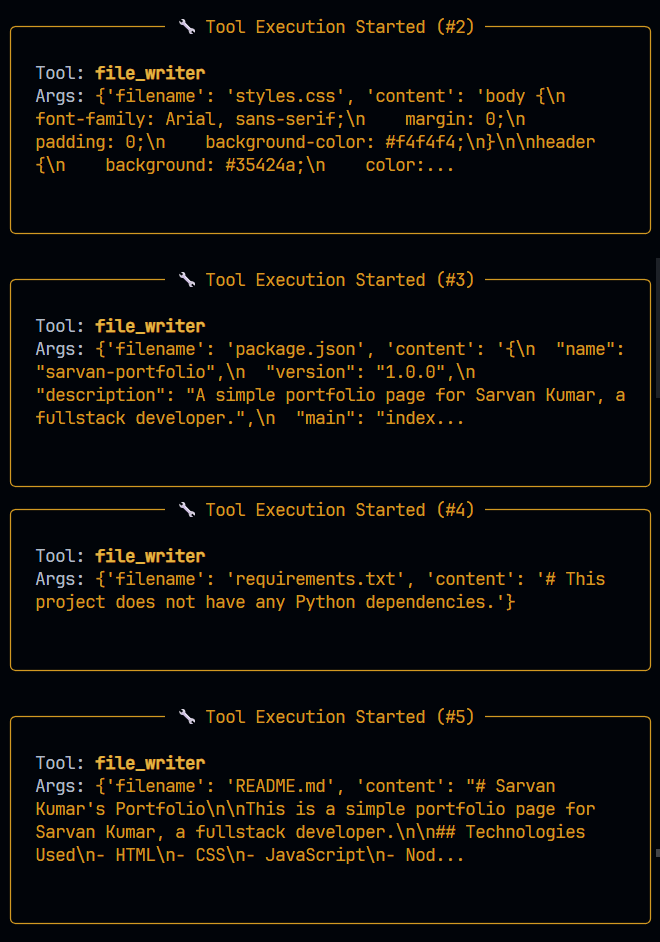
Figure 3: Additional files are generated through File Writer tool calls.
4. Tools Complete Successfully
Each tool call confirms the file was saved under output/.
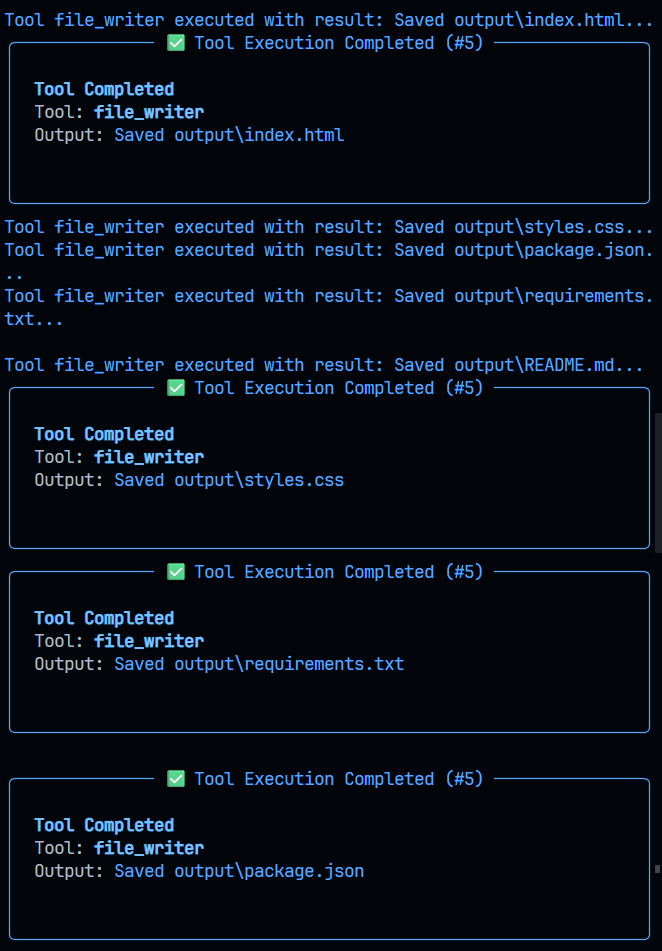
Figure 4: Generated files are successfully written to disk.
5. Agent Final Answer
The agent summarizes what was created:
| File | Description |
|---|---|
index.html |
Portfolio page |
styles.css |
Styles |
package.json |
Project metadata (sarvan-portfolio) |
requirements.txt |
Dependency file |
README.md |
Generated project readme |
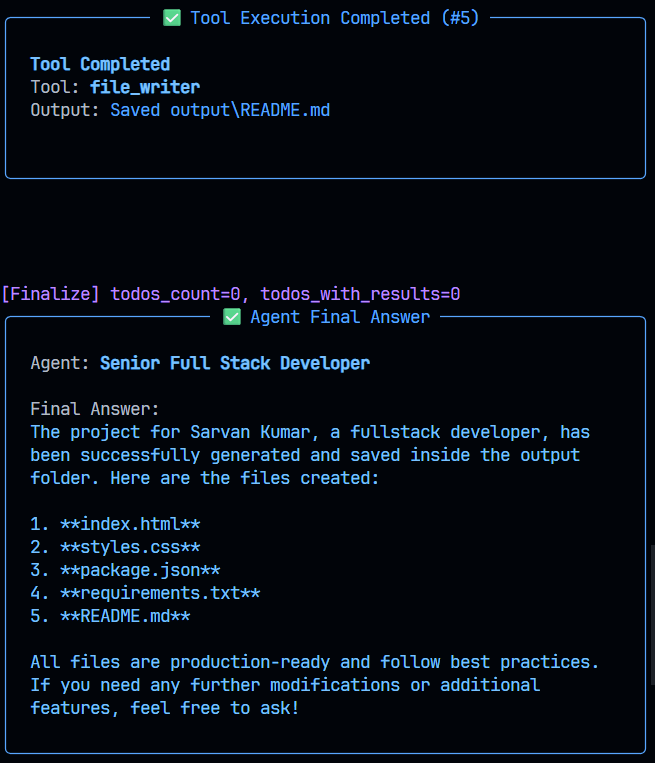
Figure 5: The agent provides a summary of generated files.
6. Task And Crew Complete
Execution finishes and the script prints the success message.
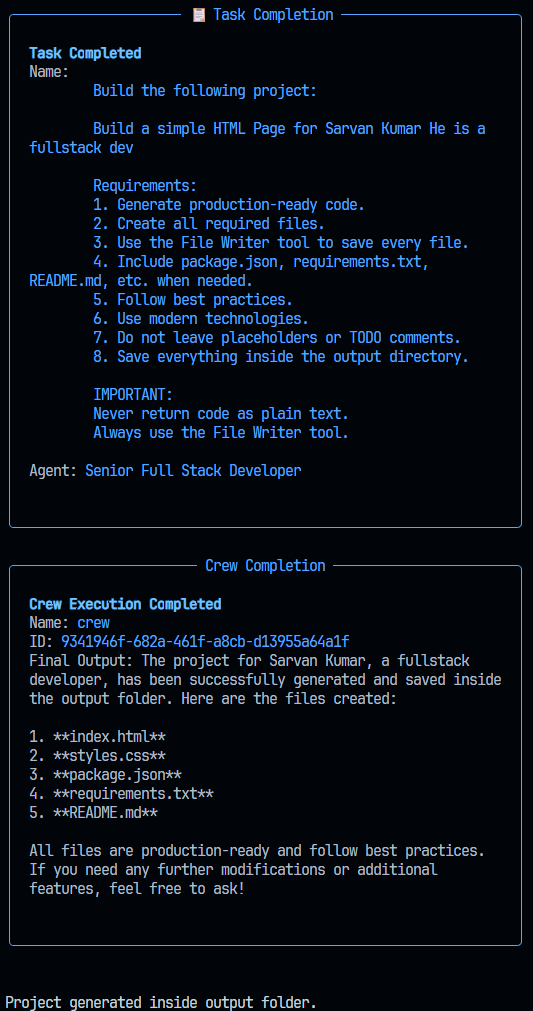
Figure 6: Crew execution completes successfully.
7. Generated Output
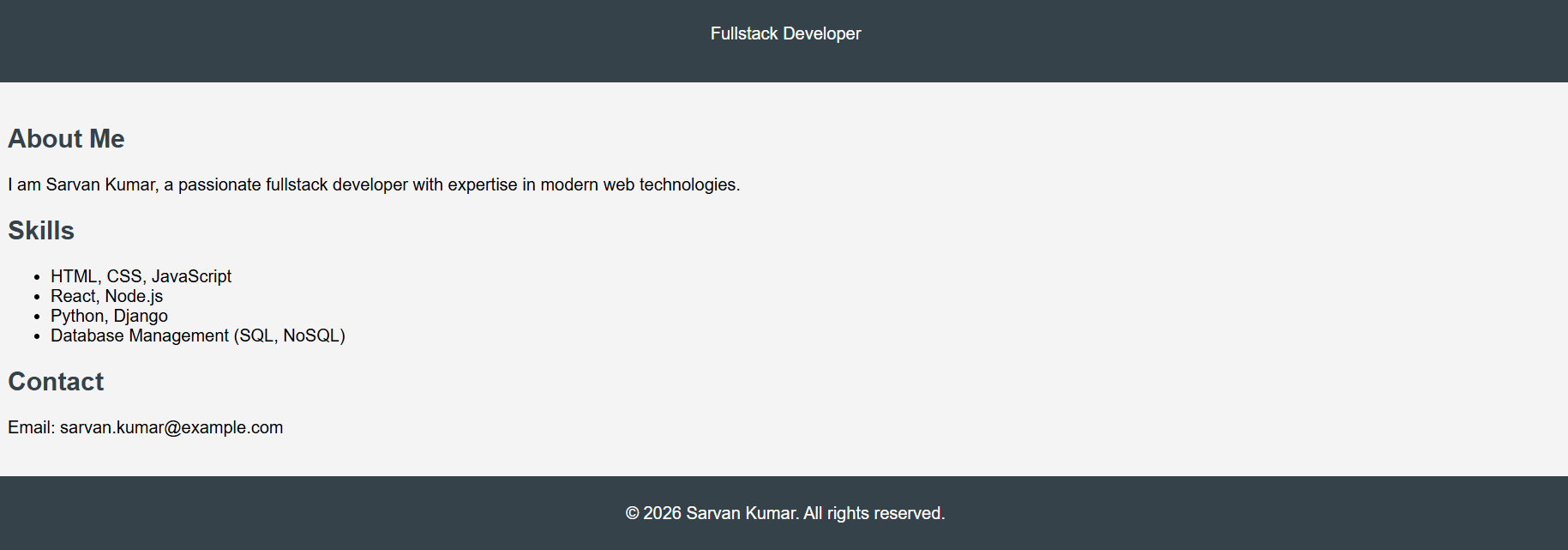
Figure 7: Final generated website output.
Generated files land in:
output/
├── index.html
├── styles.css
├── package.json
├── requirements.txt
└── README.md
How It Works
User Requirement
        ↓
Crew (Agent + Task)
        ↓
LLM (OpenRouter)
        ↓
FileWriterTool
        ↓
output/
- You enter a project requirement at the prompt.
- A task is created with production-ready coding rules.
- The coder agent plans the project and writes files through the File Writer tool.
- When the crew finishes, the project is available in
output/.
Quick Start
Prerequisites
- Python 3.10+
- An OpenRouter API key
Install
cd agents
python -m venv .venv

# Windows
.venv\Scripts\activate

# macOS / Linux
source .venv/bin/activate

pip install -r requirements.txt
Configure
Create a .env file:
OPENROUTER_API_KEY=your_openrouter_api_key_here
MODEL=openrouter/openai/gpt-4o-mini
BASE_URL=https://openrouter.ai/api/v1
TEMPERATURE=0.2
Run
python run.py
Project Structure
agents/
├── run.py
├── agents.py
├── tasks.py
├── tools.py
├── assets/
├── requirements.txt
├── .env
└── output/
Customization
- Change model via
.env - Adjust agent behavior in
agents.py - Modify generation rules in
tasks.py - Add new tools in
tools.py
Dependencies
- CrewAI
- crewai_tools
- LiteLLM
- python-dotenv
Troubleshooting
- Authentication errors → Verify API key.
- Empty output → Use a better model or more detailed prompt.
- Files not saved → Ensure File Writer tool is called.
License
MIT License
Copyright (c) 2026 full-stack-coding-agent
Permission is hereby granted, free of charge, to any person obtaining a copy of this software and associated documentation files (the “Software”), to deal in the Software without restriction, including without limitation the rights to use, copy, modify, merge, publish, distribute, sublicense, and/or sell copies of the Software, and to permit persons to whom the Software is furnished to do so, subject to the following conditions:
The above copyright notice and this permission notice shall be included in all copies or substantial portions of the Software.